The Ultimate
Printing & Zen Guide
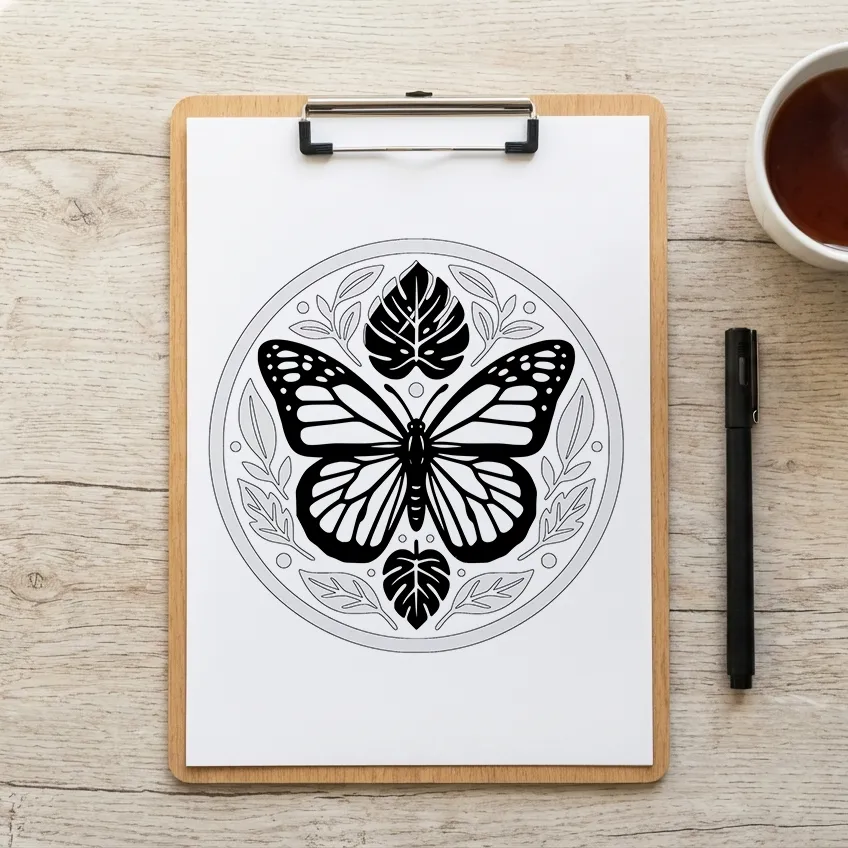
Stop Overthinking.
Too many color choices can pull you out of the moment.
And even one color can feel like pressure when it seems like it has to be perfect.
There is no perfect color today — only the one that helps you begin.
Start Flowing.
Choose the color that matches your mood, not your rules.
- Blue — Deep calm
- Coral — Fresh energy
- Lilac — Gentle creativity
- Green — Grounded focus
- Black — Bold clarity
Once you choose, let the page do the rest.
3 Ways to Color
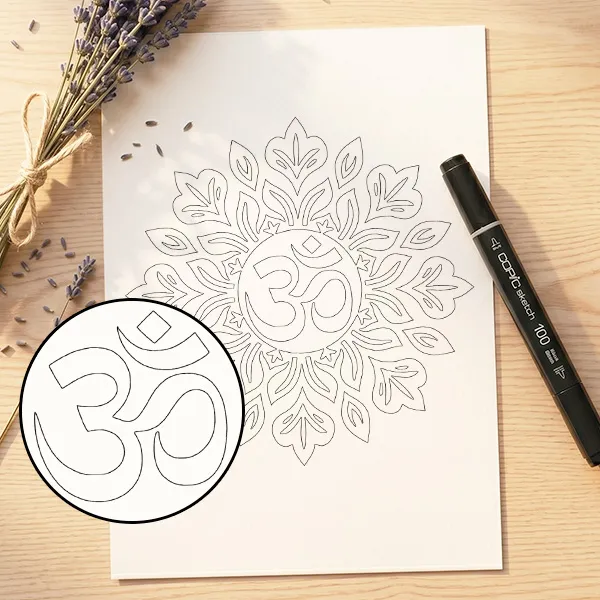
Outline
Clean black lines for total creative freedom. No rules, just your imagination.
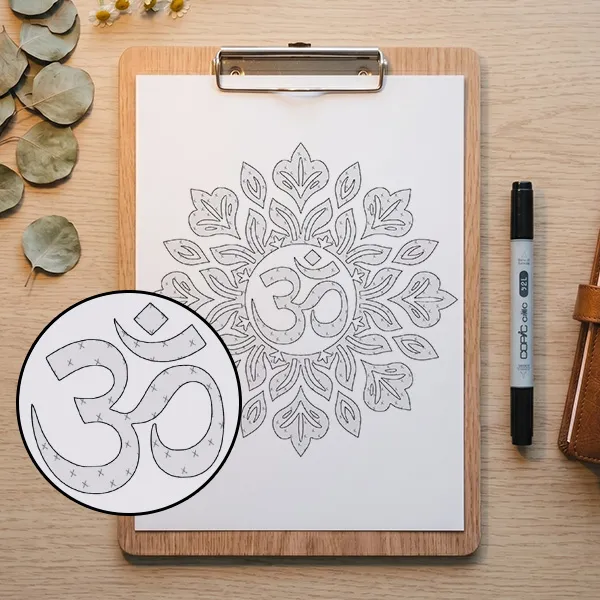
Pattern Guide
Subtle "X" patterns guide your hand so you can relax and follow effortlessly.
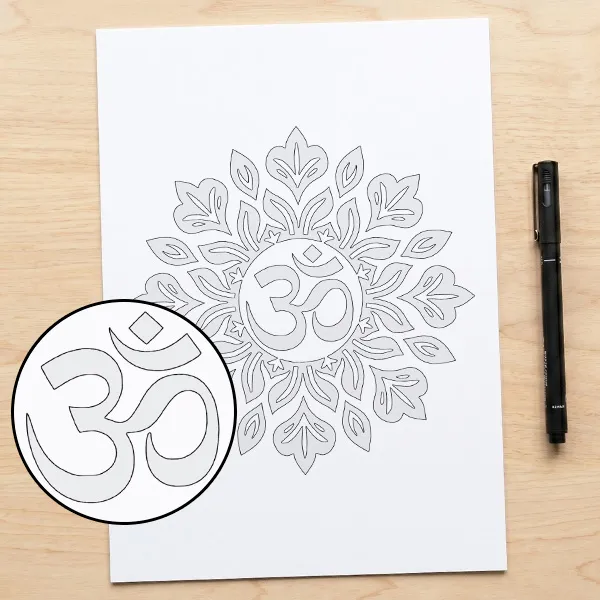
Shadow Guide
Soft gray areas show exactly where to apply depth. No guesswork needed.
New to monochrome coloring?
Start your journey with our complimentary starter kit. Experience the "Just One Color" flow and feel the difference before diving into our full collections.
Printing Setup
A great experience starts with the right materials. Since our collections are digital, you have the power to choose your own canvas.
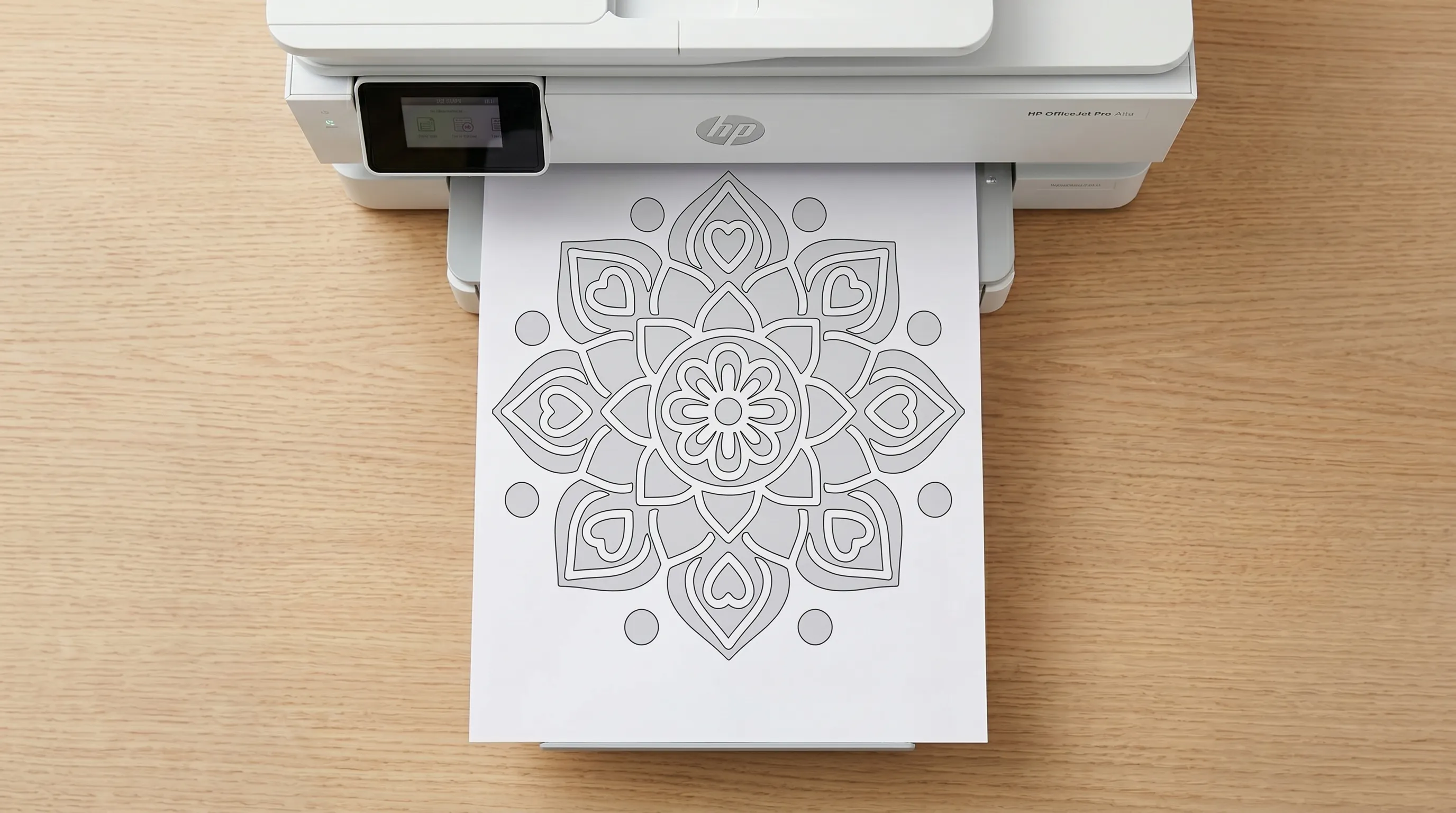
Choose Your Canvas
The beauty of digital pages is that you can print on whatever feels right today. Here’s how to get the best result with what you have:
- 📄 Everyday Printer Paper
The quickest way to start! Your standard office paper is perfect for a spontaneous session.
Pro Tip: Just slide a spare blank page underneath your design. It lets you color with total freedom and keeps your surface clean without a second thought.
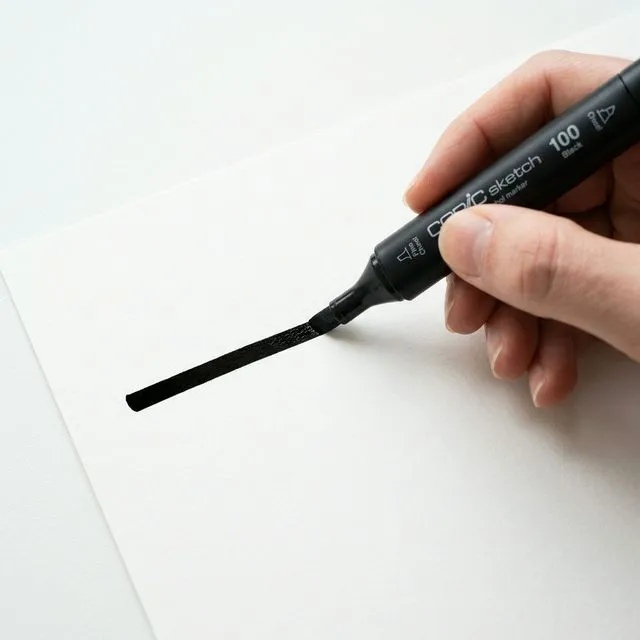
- 🖋️For a Bold Marker Look
If you love that deep, solid monochrome look, try using thick, smooth paper (like cardstock). It keeps your ink exactly where you want it, making those blacks look incredibly crisp and professional.
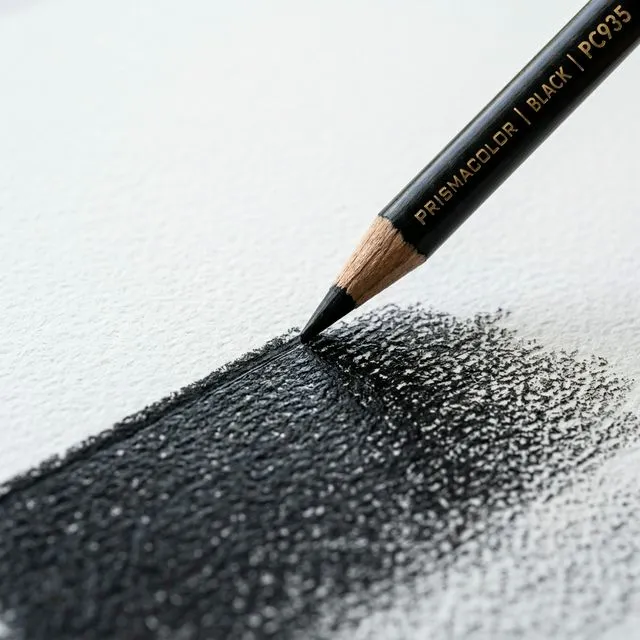
- ✏️For Rich Pencil Textures
If you prefer pencils, look for paper with a slight texture. That little bit of "grip" helps the pencil lay down more color, making your shadows feel much deeper and more meditative.
Printer Settings
- 🖨️ For Crisp Lines
Always print at "High Quality" or "Photo" setting.
- 🎯 For Maximum Precision
Try printing at 100% size to maintain the original scale.
- ⚠️ If Edges Are Cut Off
Select "Fit to Page". This ensures the entire pattern is visible, regardless of margins.
Test Your Setup with
Zero Pressure
Now that your printer is ready, it’s time to find your flow. We’ve curated this complimentary selection of 15 designs so you can test your paper and settings before starting a full book.
15 Zen-ready designs featuring our Outline, Pattern, and Shadow guides.
High-resolution PDF optimized for any paper texture you chose above.
The perfect practice run before diving into our full monochrome collections.
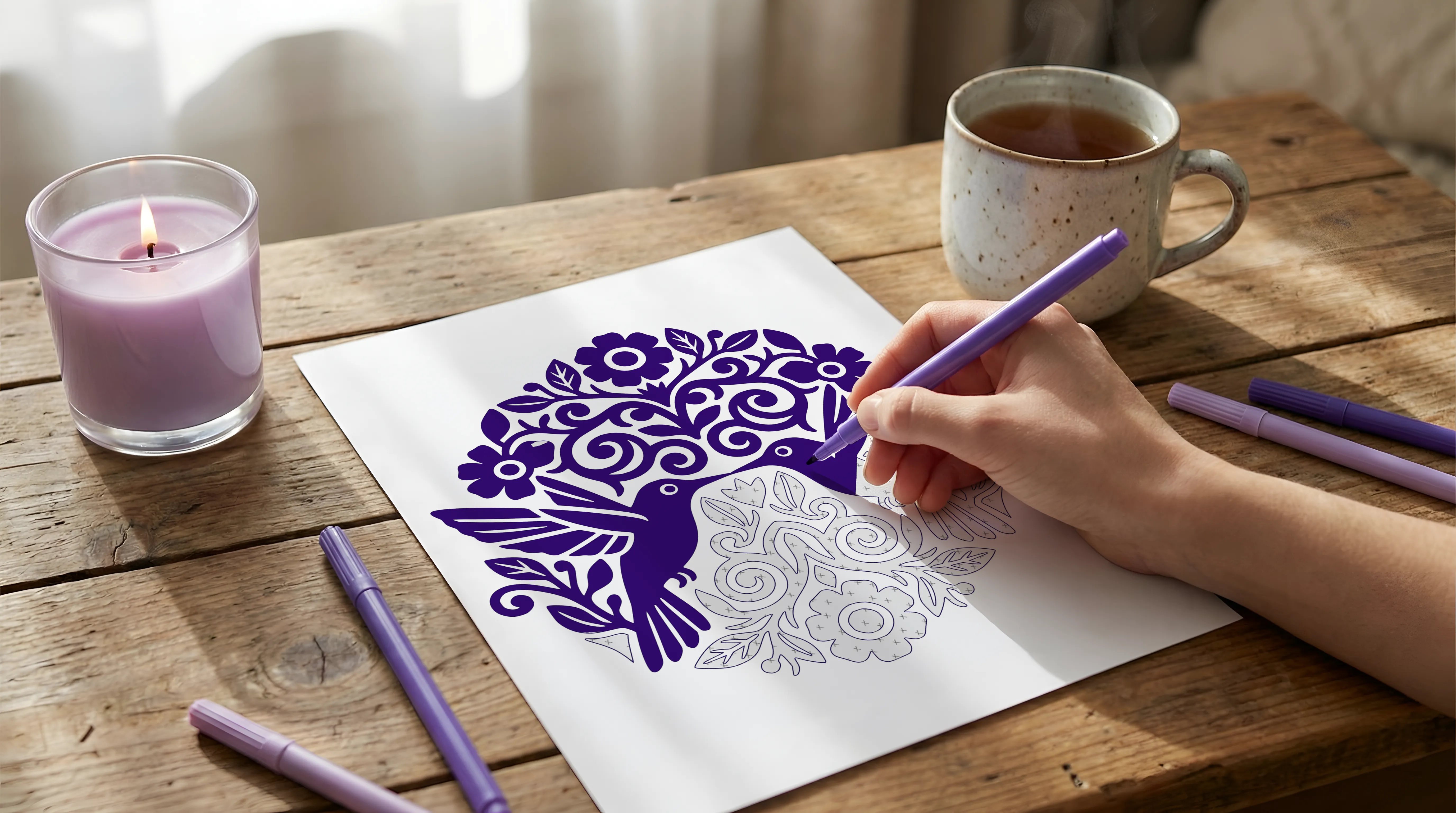
Zen Ritual
Turn coloring into a small ritual.
A calm setup helps your mind enter flow faster.
-

Prepare Your Space
Clear your desk. A clear space creates a clearer mind.
Light a candle or bring out your favorite ritual object. -

Choose Your Sound
Silence, lo-fi beats, or soft ambient audio.
Find a sound that anchors you to the present moment. -

The Breath Reset
Before your first stroke, take three slow breaths.
Inhale deeply, exhale completely, and let go of the day.Inhale 4 • Hold 4 • Exhale 8
Then begin with one color only.
One Color, Bold Results
Depth comes from contrast, not complexity. Whether you use a pencil or a marker, you have the power to create dimension.
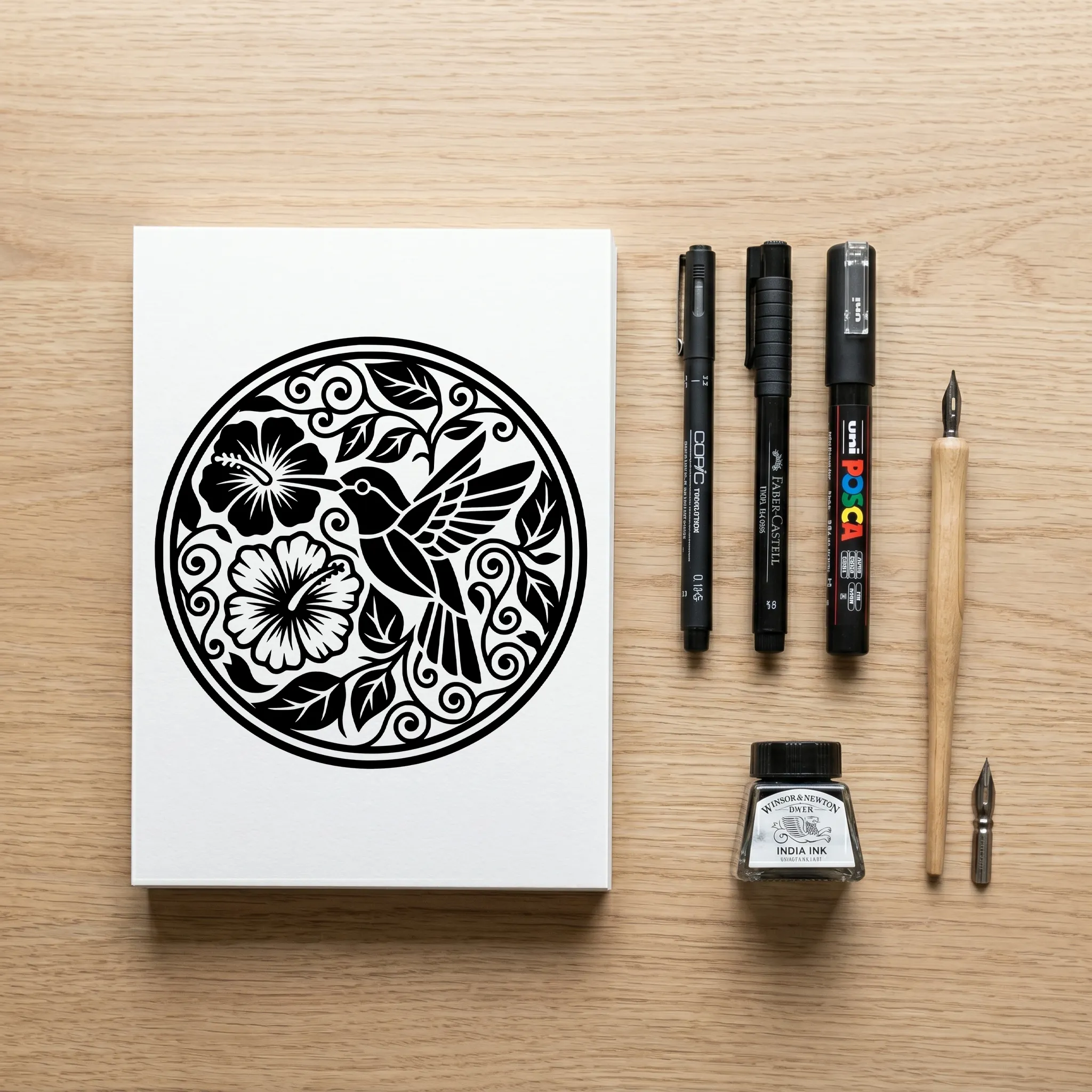
Mastering Depth by Tool
Choose your technique based on your tool:
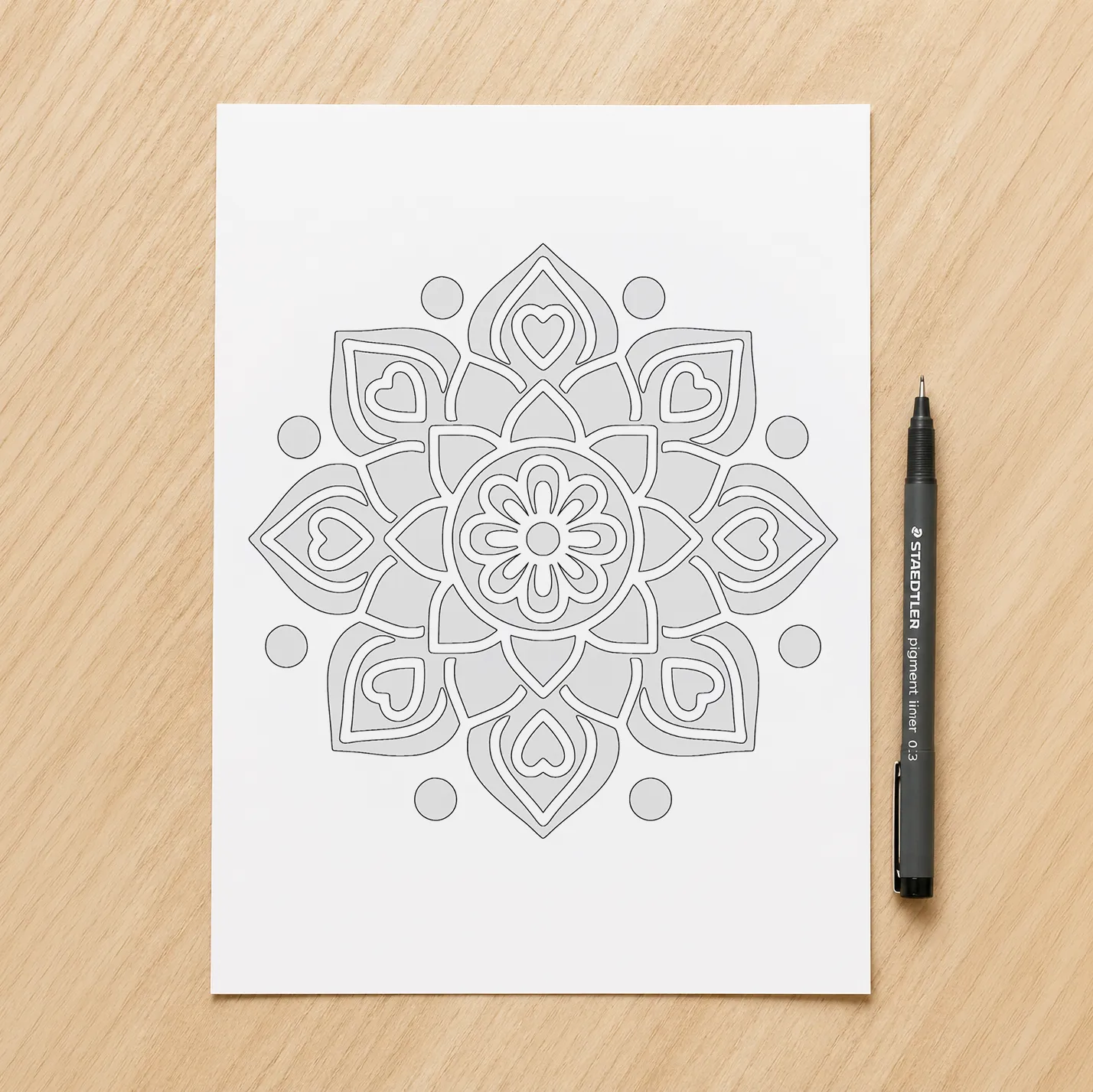
Solid Coverage.
Use bold, filled areas and clean edges.
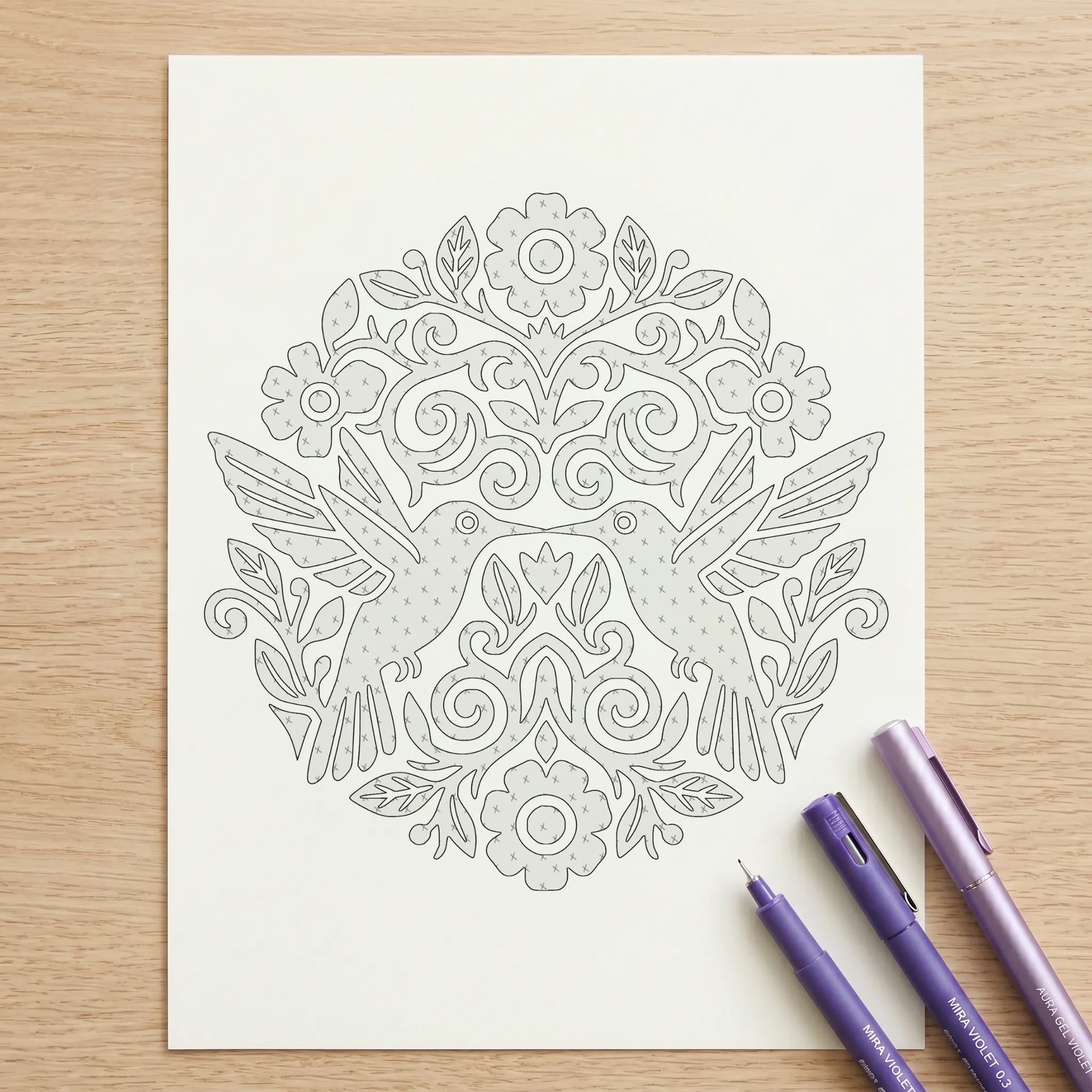
Rhythm & Patterns.
Use hatching, cross-hatching, or dots.
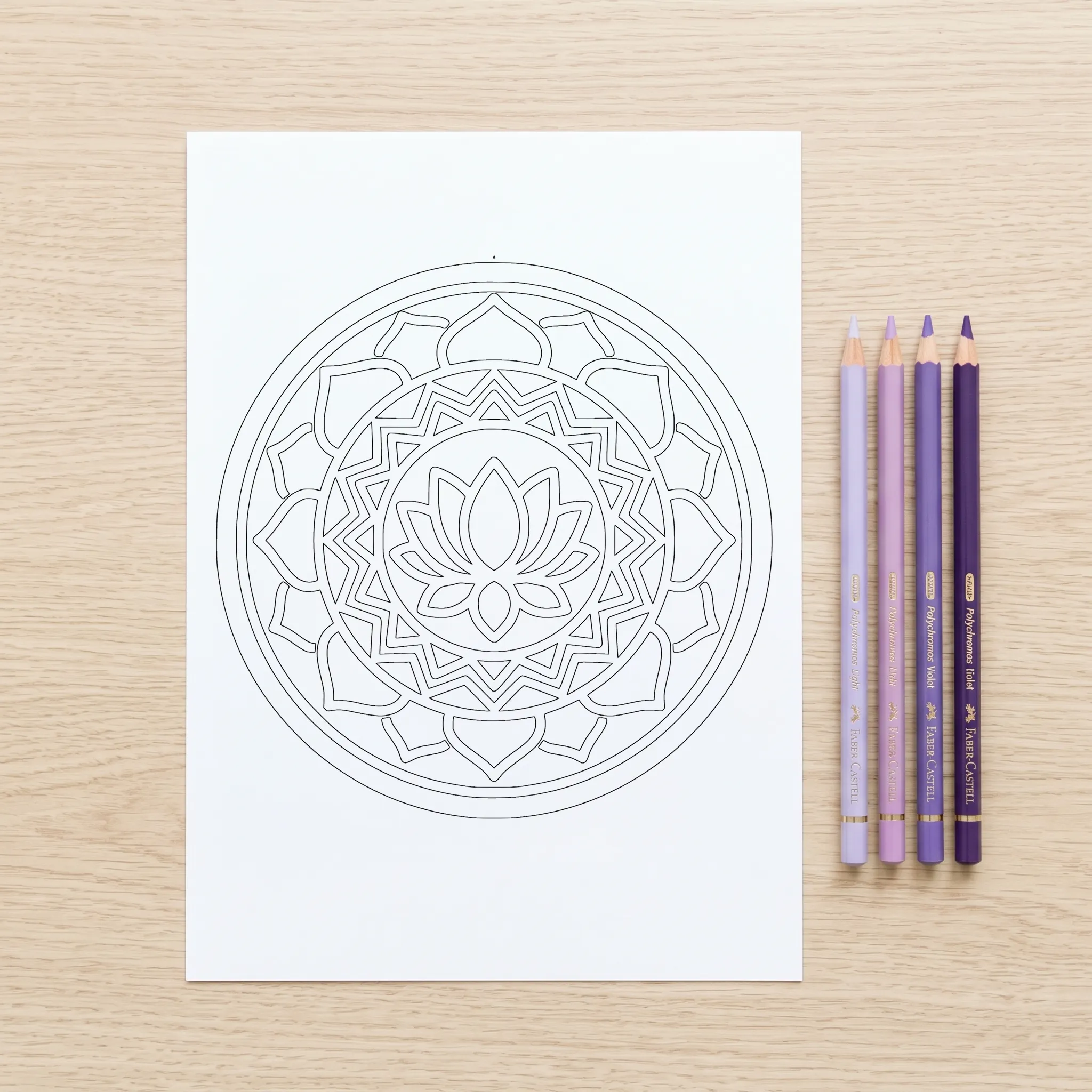
Pressure & Layers.
Build intensity slowly from light to firm.
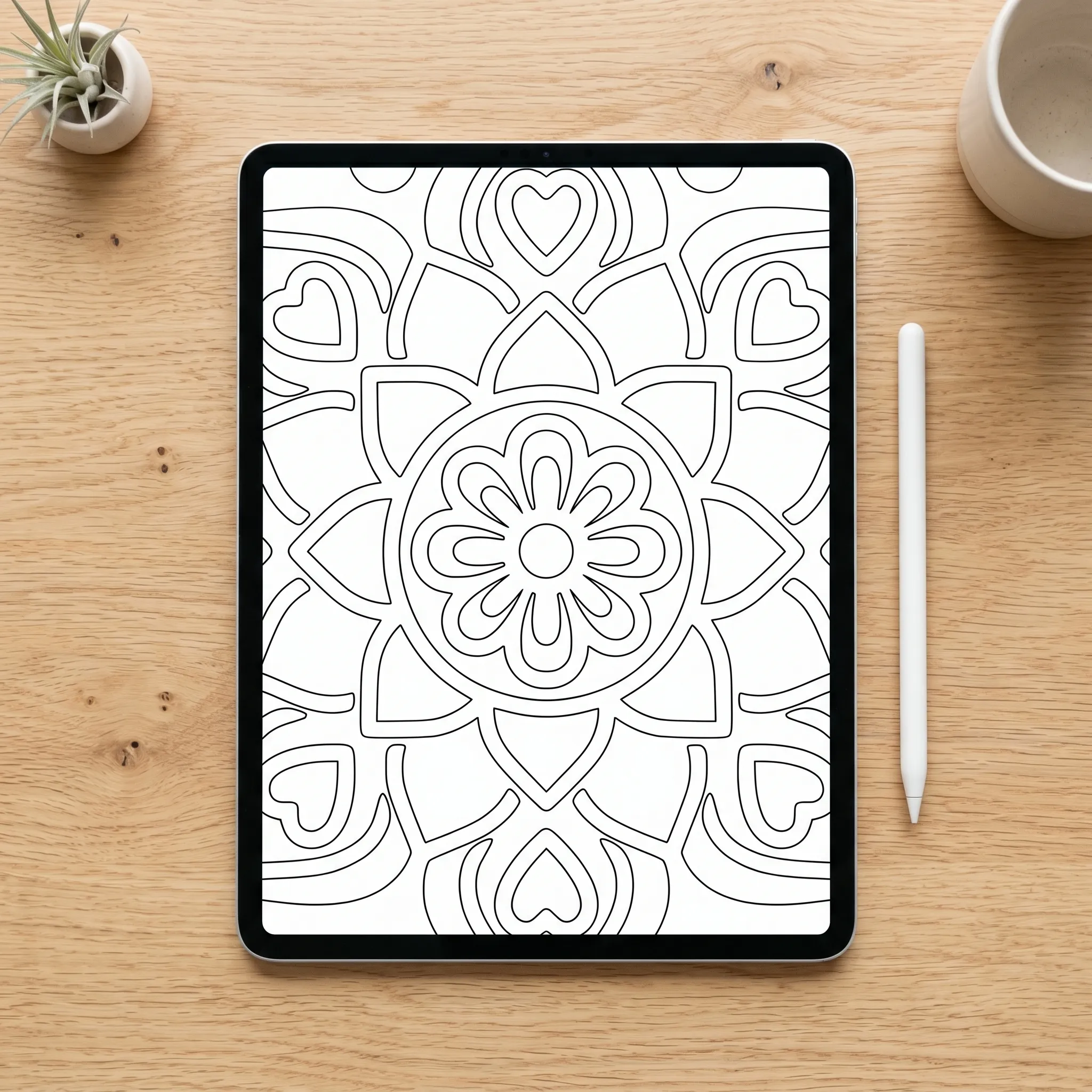
Precision & Control.
Zoom in for pixel-perfect precision and leverage brush pressure for ultimate control.
The Beginner Shortcut
Use our Shadow Guides: Not sure where to add depth? Follow the pre-shaded areas in our "Shadow" versions for a perfect result with zero guesswork.
Start Your Ritual
Enter your email to receive your complimentary 15-page starter kit and join our community of creative mindfulness.
The Ritual Begins
Check your inbox or download directly below. Experience the "Just One Color" flow today.
DOWNLOAD PDF NOW